
Nutrition coaching, as precise as your client can manage.
Not every client wants to count grams. In Myron Coach you choose one of four modes per client: from full macros to three habits to tick off. Your client tracks in the same app they train in.
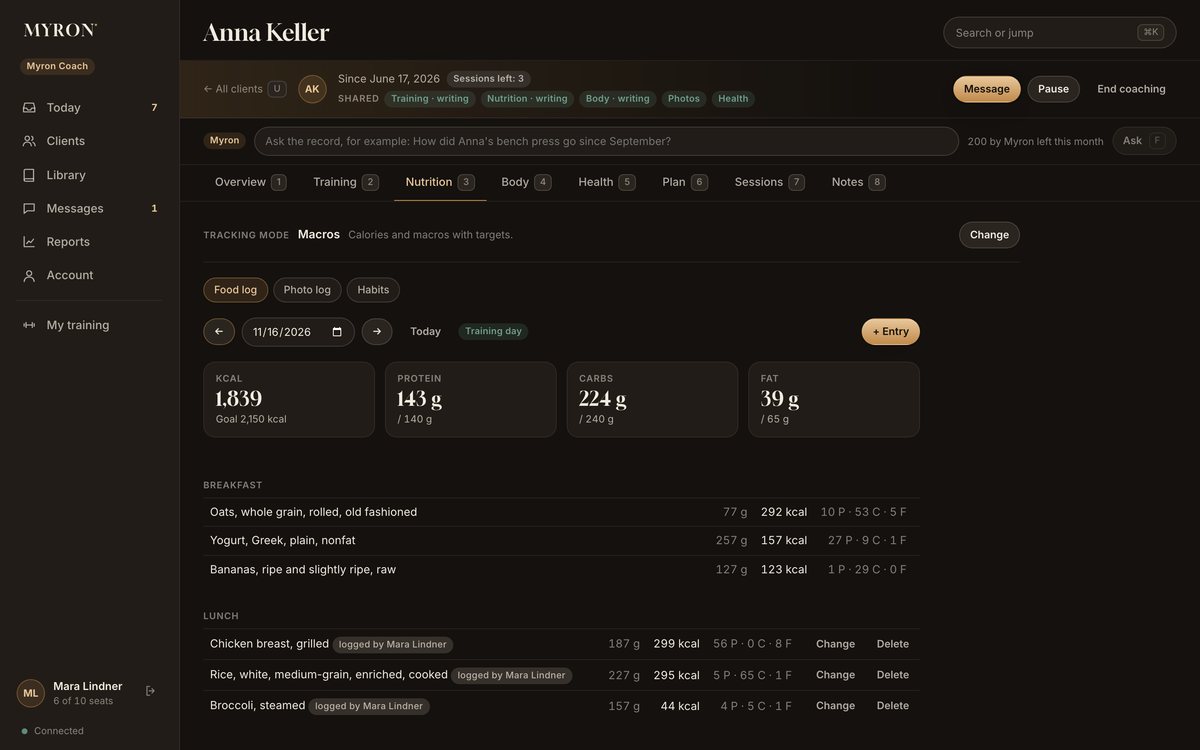
Four modes, one per client
The mode determines what your client sees in their app and what you see in the client file.
| Mode | Your client sees | A good fit for |
|---|---|---|
| Macros | Calories, protein, carbs and fat with goals | Clients who like to track precisely |
| Calories and protein | Two numbers | Clients for whom the essentials are enough |
| Photo log | Only photos of the meals, no numbers | Clients who are stressed by numbers |
| Habits | Checkmarks, for example “Protein with every meal” | Beginners |
Goals for training day and rest day
You set calories and macros separately for training days and rest days and define in the weekly plan which weekday is which. Your client’s app shows the matching goal every day.
If your client has shared nutrition with write access, your goals apply immediately. They see the change in their access log.
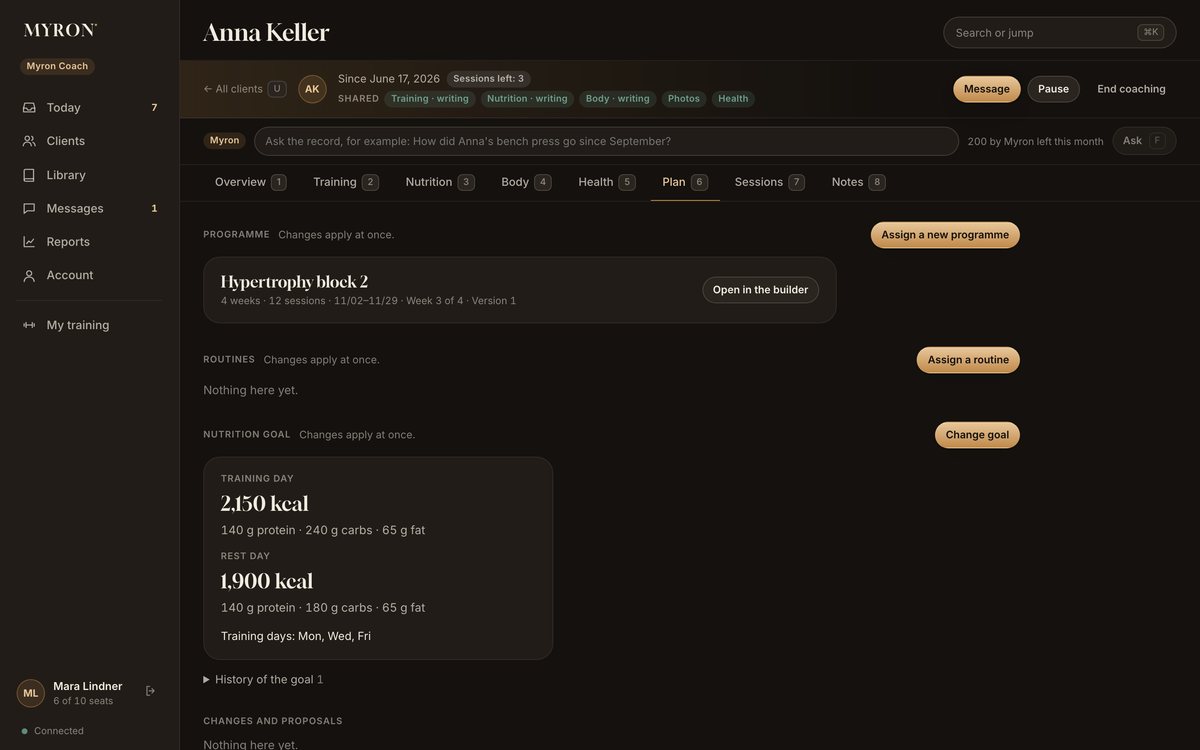
Photo log: seeing instead of calculating
In the photo log your client photographs their meals and sees no numbers. You see the photos as a weekly grid. You can create an entry from a photo yourself. If you want, Myron estimates the nutrition values of a photo for you only. That is an estimate, not a measurement.
Habits: checkmarks instead of calories
You create up to 20 habits, for all days or for certain weekdays. Your client ticks them off, you see the rate. That is often a better start than a calorie goal.
Logging for your client
If someone sends you a photo of their lunch, you can log the meal for them in the browser, provided they have shared nutrition with write access. You can log weight on your phone too. The entry is marked as yours.
What Myron is meant for
Myron is built for coaching healthy adults. Nutrition therapy for medical conditions belongs in the hands of a doctor or a suitably qualified professional. That is also stated in the Terms for trainers.
What works where
| Workspace in your browser | Choose the mode, set goals per day type, read the food log, log meals and weight, create habits, have a photo estimated. |
|---|---|
| Trainer mode on your phone | Choose the mode, read the food log, log weight. |
| Trainer mode on your tablet | Same as on the phone. |
| On the client's side | All four modes on the web, on iPhone and Android. Logging by search, barcode, voice and photo. |
Step by step in the handbook
- Coach nutritionHow to choose a client's tracking mode, set goals for training days and rest days, create habits and log meals or weight for the client.
- Understand sharingWhich categories a client can share, what read and write access mean, what applies directly and what goes out as a proposal, and what the access log shows.
Frequently asked questions
Do my clients need a second app for nutrition?
No. Myron is a training app and calorie counter in one, with official nutrition data and a barcode scanner. There is no sync with a third-party service.
Can I write meal plans?
No. Myron Coach sets goals and supports the tracking. There is no meal planner.
Does logging cost my clients anything?
No. Search, barcode and logging by hand are free without limits. Logging by voice and photo is limited to 10 entries a month without Myron Premium.
Can a nutrition coach see only the nutrition?
Yes. Your client shares each category separately. If you only ask for nutrition and body, you see nothing of their training. More under Nutrition coaches.
Goes well with this
- Nutrition coaches For anyone who coaches nutrition only: sharing limited to nutrition, four modes, goals per day type.
- Your clients' app Training, nutrition and watch in one app for iPhone, Android and the web. Free for your clients.
- Check-ins Weekly check-ins where your client's week is already next to the answers.
Start with two clients.
The Start tier costs nothing and does not expire. You sign in with Apple or Google, create your workspace and invite your first client.